Introduction
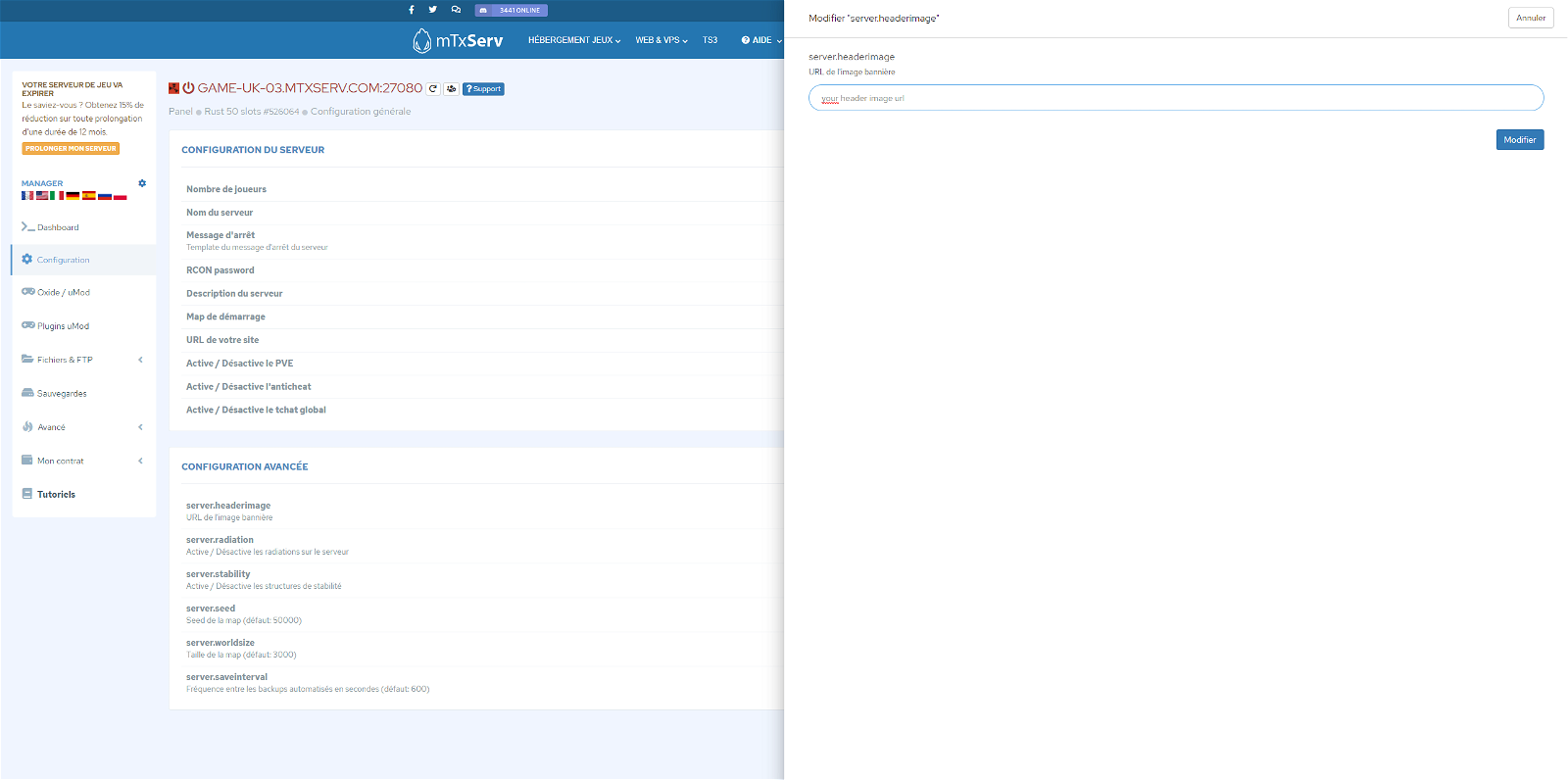
In this tutorial we will see how to configure the image of your Rust server, which can be modified with the configuration variable server.headerimage.
To change the server image, you need to specify an HTTP link to the image you want to display. You need to host this image on a web hosting (we provide one for free with your Rust server).
Steps to follow
You have your image ? All we have to do is change the configuration:
- Go to the server management panel.
- Click on
Configuration. - In
Advanced Configuration, search forserver.headerimageand click on the edit icon. - In the window that opens, add the url of your image, e.g.
https://mtxserv.com/build/img/mtxserv.pngand click OK. - Restart your Rust server.