In this tutorial we will see how to change the time of your VPS.
All the following commands must be executed with the root user.
- Log in as an administrator on your VPS.
- Enter che command
dpkg-reconfigure tzdata - Choose your mainland:
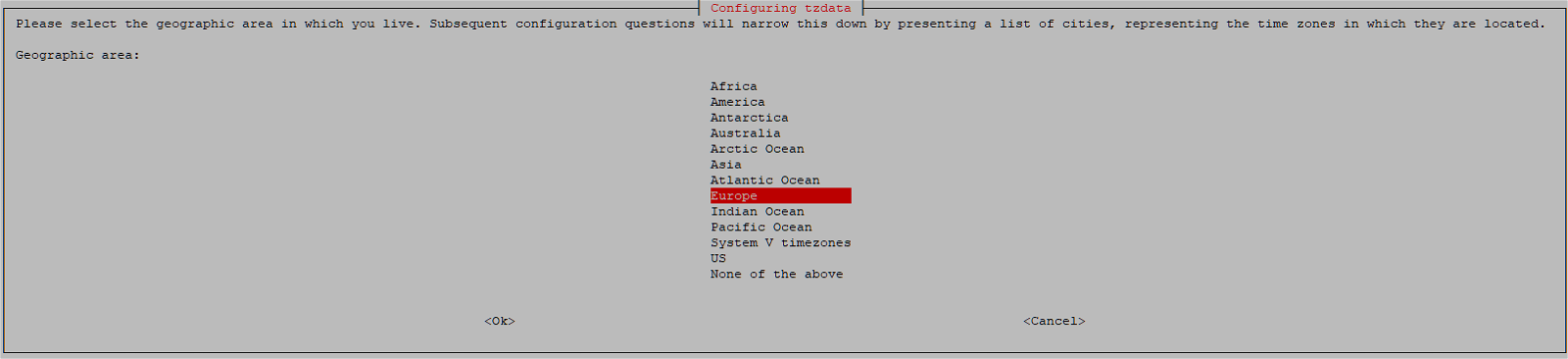
- Choose your town:
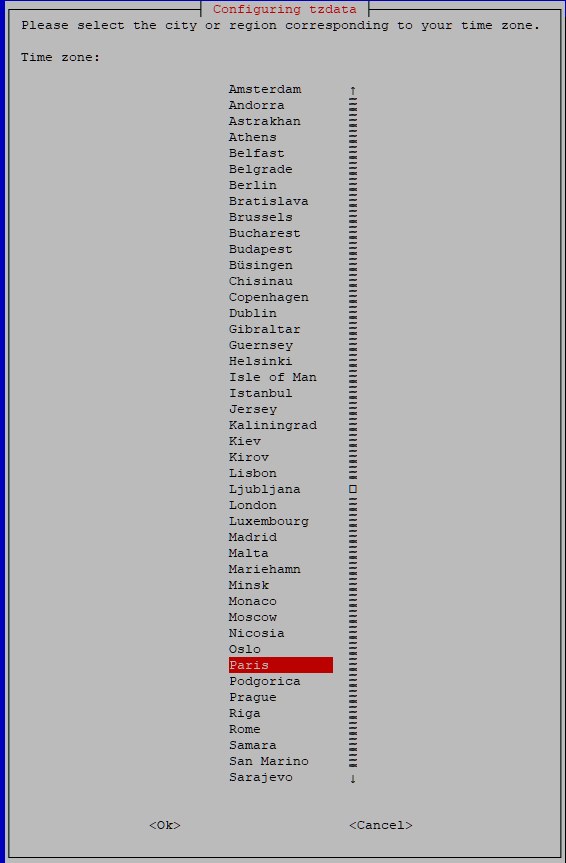
Congratulations, you now have the right time on your VPS!